Why are Most Weather Forecasting Apps Inaccurate?
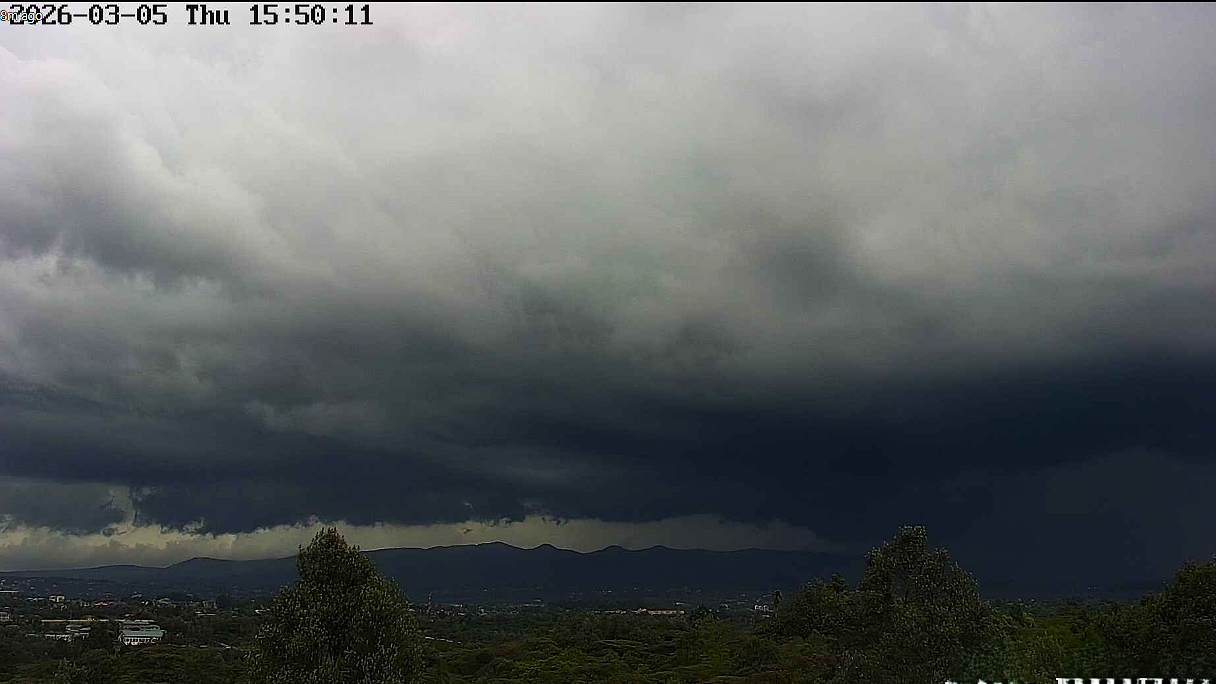
That's an excellent question, and it gets to the heart of a common frustration. While weather prediction has improved dramatically over the past few decades, the perception of inaccuracy—especially from phone apps—is widespread.The short answer is that weather forecasting is a problem of chaotic physics, incomplete data, and the limits of computing power. Most apps aren't "wrong" because they're poorly made, but because they are simplifying an incredibly complex system.Here are the primary reasons why your weather app often seems to get it wrong.
1. The "Chaos" of the Atmosphere (The Butterfly Effect)
The atmosphere is a chaotic system, famously described by the "butterfly effect"—the idea that a butterfly flapping its wings in Brazil could theoretically set off a tornado in Texas. This isn't a metaphor; it's a mathematical reality.
- Sensitivity to Initial Conditions: A tiny, unmeasurable error in today's temperature, wind, or humidity readings can grow exponentially over a few days. A forecast for next Tuesday made on Monday might be quite good. That same forecast made on Saturday might be completely different because a small error multiplied.
- The 5-Day Limit: Most meteorologists agree that predicting specific weather events (like a thunderstorm at 3 PM) beyond 5-7 days is currently at the edge of scientific possibility due to this inherent chaos.
2. The "One Model" Problem
Most free, basic weather apps on your phone rely on a single computer model. Each model has its own biases and weaknesses.
- Different Models, Different Answers: One model might be great at predicting large-scale temperature trends but terrible at predicting rain. Another might excel at hurricanes but struggle with localized fog. A single model will be wrong more often than a human forecaster who looks at all the models.
- Resolution is Too Coarse: Global models divide the Earth into a grid. Each square might be 10-20 kilometers across. The model predicts the average weather for that entire square. A thunderstorm that is only 2km wide could easily happen in your square, but the model's "average" might still say "partly cloudy."
3. Where You Live Matters (Microclimates)
This is a huge, often unaddressed factor for the end-user.
- The App vs. Your Backyard: The app is likely pulling data from the nearest official weather station, which could be at an airport 15km away. Airports are flat, open, and often heat-absorbing tarmac. Your home might be in a valley, on a hillside, or near a lake.
- Urban Heat Islands: Cities are significantly warmer than surrounding rural areas. A forecast for "Nairobi" might be based on a station at Wilson Airport, while your home in a cooler suburb like Karen could be 2-3°C colder.
- Topography: Mountains, hills, and bodies of water create microclimates that no global computer model can accurately resolve. This is why mountain weather is famously "predictable only by looking out the window."
4. What "Accuracy" Actually Means
A common point of confusion is precipitation probability. If your app says "30% chance of rain," it does not mean:
- "It will rain for 30% of the day."
- "It will rain over 30% of the area."
It actually means: Based on current data and historical accuracy, in 30 out of 100 similar weather situations, at least 0.01 inch of rain will fall at your specific location. When it doesn't rain, people feel the forecast was "wrong." But statistically, a 30% chance of rain is a forecast that it will not rain 70% of the time. The app was mathematically correct, but the user's expectation was wrong.
5. The App Itself is a Simplifier
Most basic apps on iPhones and Android devices take the raw, complex, multi-layered output of a single model and present it as simple icons and a temperature number. This process discards a huge amount of useful uncertainty information (e.g., "the temperature could be between 22°C and 28°C").
So, What Can You Do?
- Use a Better App: Instead of the default app, try apps that use multiple models and human input (which uses personal weather stations).
- Look for the "Forecast Discussion": The best apps include a written discussion from a human meteorologist who explains the uncertainty. This is far more valuable than a simple icon.
- Think in Probabilities: Remember that a 20% chance of rain means it's probably not going to rain. Don't expect perfection.
- Check the Radar: For the next 1-2 hours, Doppler radar is incredibly accurate. Look at a live radar map (available on many good apps) to see if rain is actually moving toward you.
In a nutshell: The app isn't lying to you; it's doing the best it can with a chaotic world, limited data, and a simplified screen. For a truly reliable forecast, especially in a region with varied terrain, use a human-analyzed model forecasts from https://www.year-to-date-consulting.com/ come in handy, not just the one-icon summary on your home screen.